Home Office Ergonomics: Create a Pain-Free Workspace
As remote work becomes an increasingly common arrangement, more people are setting up home offices to maintain productivity while working from the comfort of their homes. However, without the right ergonomic setup, a home office can become a source of discomfort and pain. At Revive Physiotherapy and Wellness, serving Newcastle and surrounding areas, we understand the importance of ergonomics in creating a pain-free and productive workspace. Through ergonomic assessments and expert guidance, we help you design a workspace that supports your health and well-being.
Understanding the Importance of Ergonomics
Ergonomics is the science of designing and arranging things people use so that they interact safely and efficiently. In the context of a home office, this means setting up your workstation in a way that prevents strain and injury. Poor ergonomics can lead to a variety of issues, including back pain, neck stiffness, carpal tunnel syndrome, and even headaches. By making thoughtful adjustments to your workspace, you can minimize these risks and create a more comfortable and productive environment.
Common Ergonomic Problems in Home Offices
Many home offices are not created with ergonomics in mind, leading to several common problems:
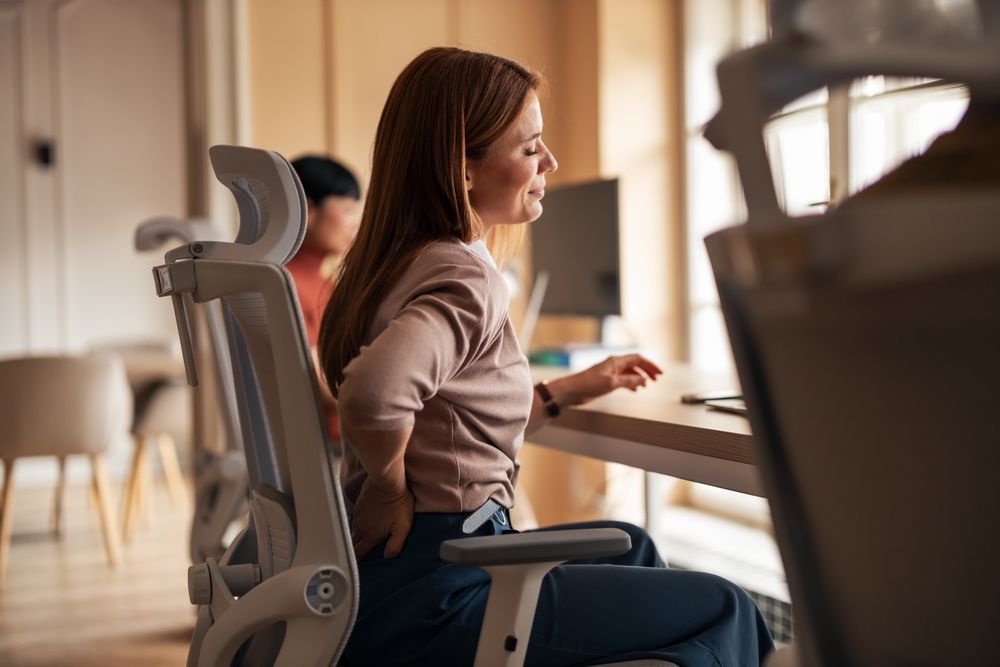
Improper Desk and Chair Height: Using a desk and chair that are not at the ideal height can lead to slouching or overreaching, causing back and neck pain.
Inadequate Monitor Position: A monitor that is too high or low strains the neck and shoulders.
Keyboard and Mouse Placement: Improper keyboard and mouse placement can lead to wrist and hand discomfort, increasing the risk of repetitive strain injuries.
Poor Lighting: Insufficient or harsh lighting can cause eye strain and headaches.
The Solution: Ergonomic Tips for a Pain-Free Home Office
To alleviate these common ergonomic issues, consider implementing the following tips for a more supportive workspace:
Desk and Chair Setup
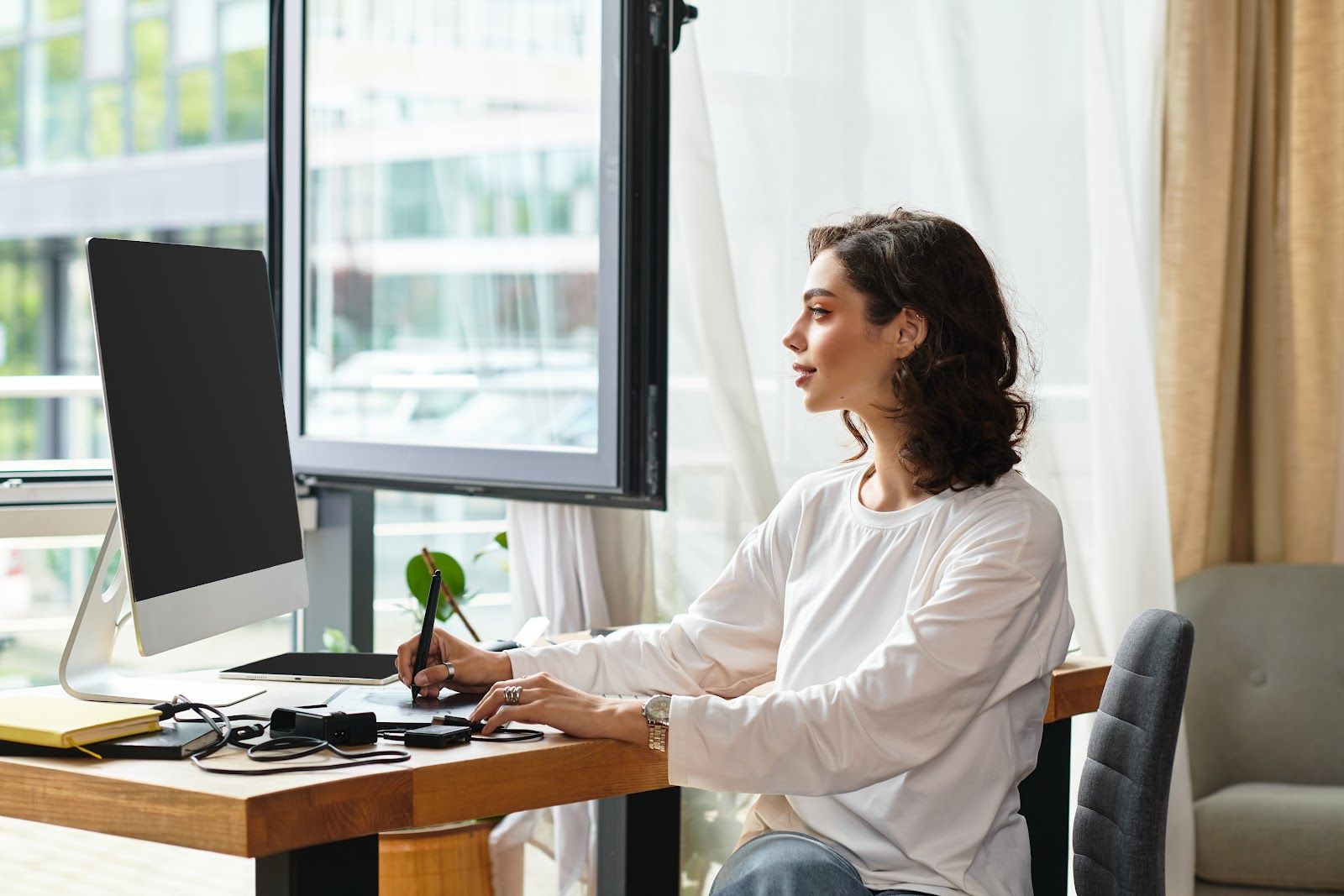
Choose a chair that supports the natural curve of your spine. Your feet should be flat on the floor, and your knees should be at a 90-degree angle. Adjust the chair height so that your elbows are at the same height as the desk when typing. If your feet do not reach the floor, consider using a footrest for support.
Monitor Placement
Position your monitor at eye level, about an arm's length away from your face. The top of the screen should be at or slightly below eye level. This setup helps prevent neck strain and encourages a neutral posture.
Keyboard and Mouse Position
Place your keyboard and mouse within easy reach, allowing your elbows to remain close to your body. Your wrists should be straight, with your hands slightly below your elbows. Consider using a wrist rest to reduce pressure and support your wrists.
Lighting and Screen Glare
Ensure your workspace is well-lit, using a combination of natural and artificial light. Position your monitor to reduce glare from windows and overhead lights. Consider using an anti-glare screen if necessary.
Taking Breaks and Movement
Even with an ergonomic setup, prolonged sitting can lead to discomfort. Take regular breaks to stand, stretch, and move around. Incorporate simple stretches for your neck, shoulders, and back throughout the day. Set reminders to practice these movements to keep your body relaxed and reduce fatigue.
The Role of Ergonomic Assessments
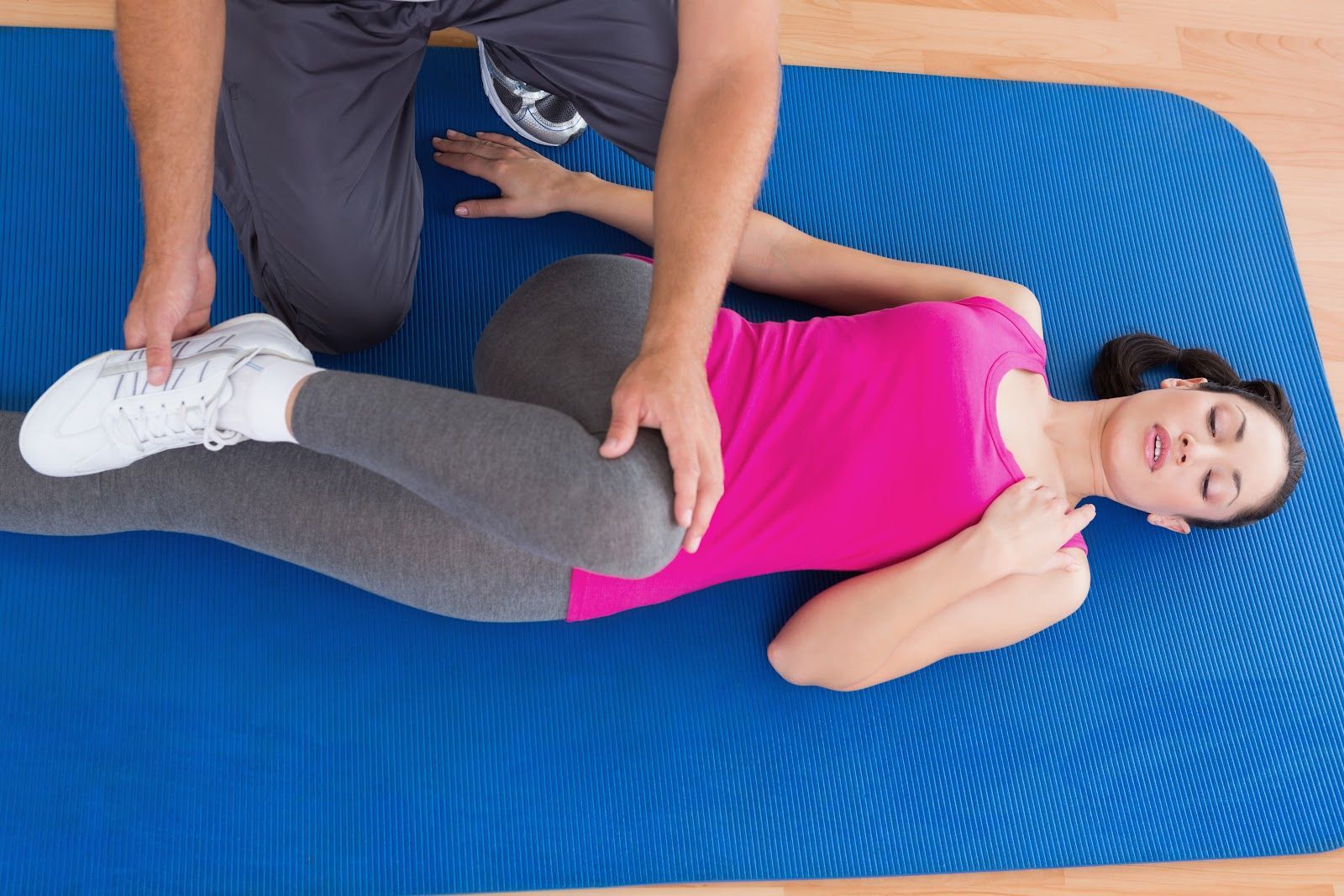
At Revive Physiotherapy and Wellness, we offer ergonomic assessments to help optimize your home office setup. Our skilled physiotherapists will evaluate your workstation and recommend adjustments to minimize strain and improve comfort. Whether you're working from home temporarily or permanently, our assessments provide practical solutions tailored to your needs.
Why Choose Revive Physiotherapy and Wellness?
Local Expertise: As a part of the Newcastle community, we understand the needs and challenges faced by local residents. We're committed to providing personalized care that enhances your well-being.
Comprehensive Approach: Our holistic approach considers both your physical workspace and your individual health needs, ensuring you receive a comprehensive solution to your ergonomic concerns.
Experienced Professionals: Our team comprises highly skilled physiotherapists who are dedicated to helping you achieve a pain-free work environment.
Optimize Your Home Office Today
Are you experiencing discomfort while working from home? Visit us at Revive Physiotherapy and Wellness to schedule an ergonomic assessment . Our expert team is ready to help you create a pain-free workspace that enhances your productivity and well-being. Call us today to book your appointment and take the first step towards a healthier home office setup.
Invest in Your Health with Ergonomics
Creating an ergonomic home office is not just about enhancing productivity but also about investing in your long-term health. At Revive Physiotherapy and Wellness, we are committed to helping you achieve a comfortable and supportive workspace. By following ergonomic principles and seeking expert guidance, you can enjoy a pain-free workday and improve your overall quality of life. Visit us at our clinic to embark on your journey to a healthier, more ergonomic home office today.
Share This Blog